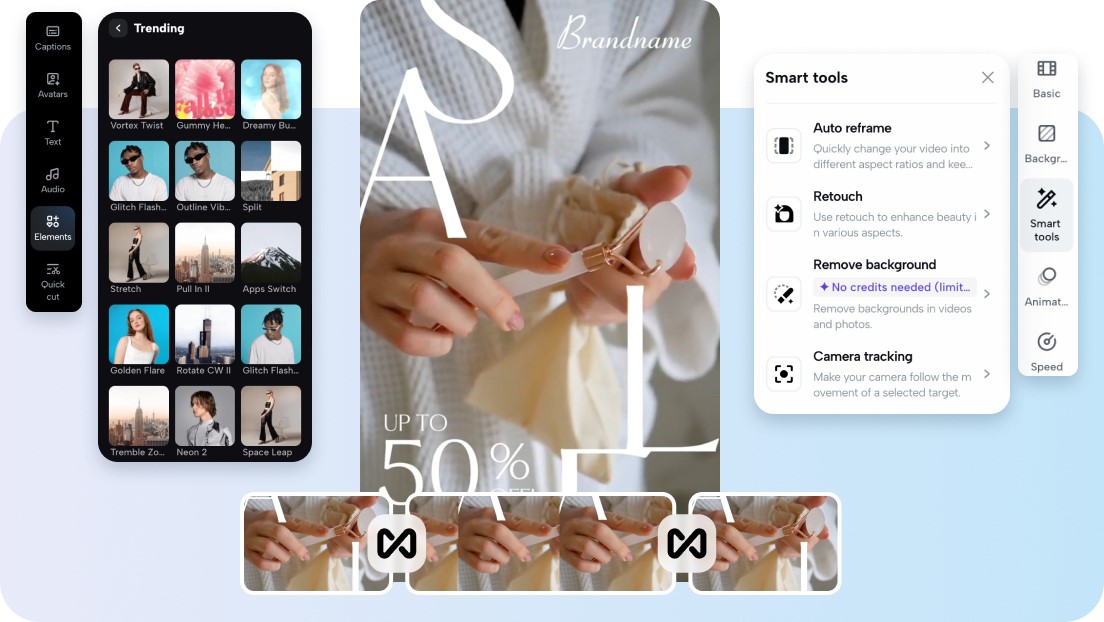
There is so much going on at conferences and trade shows: between keynote speeches, networking, product launches, and panel discussions, there is a lot happening over the course of just a few hours or even just a few days. While there is often content being taken over the course of the conference, such as photographs and short videos, creating a recap video from these highlights can often take several days.
This is where AI video generation technology is helping to improve the process for marketers looking to capitalize on the excitement of these events. With technology such as Pippit, marketers are able to quickly turn photographs, short videos, and even basic text into recap videos. With Seedance 2.0 technology, these videos are not only more polished and longer, they are also more consistent, making them perfect for marketing events.
Rather than taking several days to put together recap videos, marketers are able to quickly turn these highlights into videos that are more engaging and showcase the excitement of the conference.
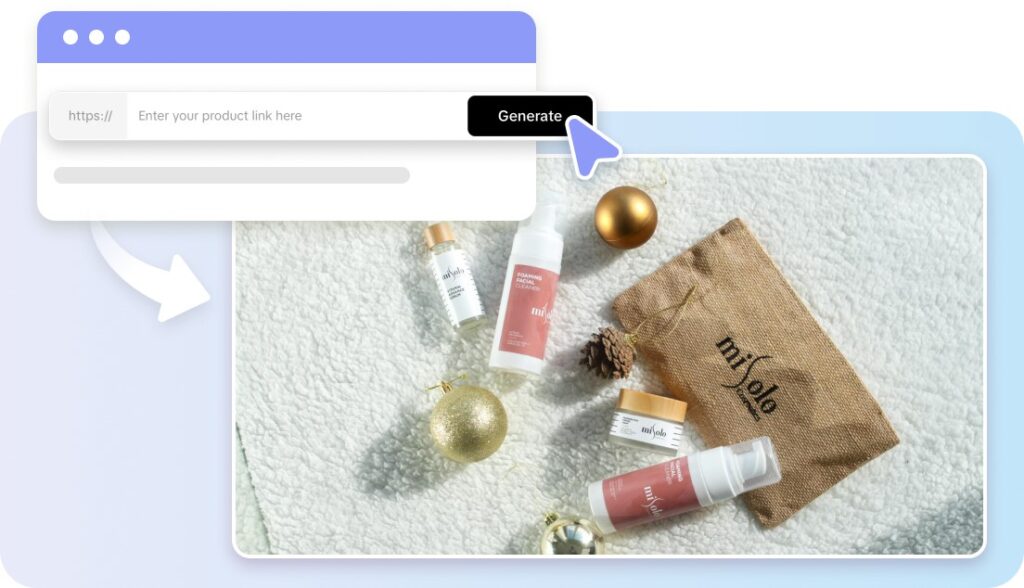
Capturing the energy of live events through video
Trade shows and conferences are filled with moments that are worth sharing. These moments include booth interactions, product demos, keynote speakers, and even networking interactions.
The challenge comes in organizing these moments into a narrative.
Using AI-generated videos makes it easy for event organizers to do so. They can upload images, videos, or even promotional content and convert it into videos that showcase the most memorable moments of the event.
Recap videos help events achieve several objectives at once:
- Showcasing the magnitude and feel of the event
- Showcasing keynote moments or speaker moments
- Showcasing brand booths and demos
- Showcasing attendee and networking moments
Recap videos are also important because they can be created quickly, and event marketers can publish videos while the excitement is still fresh.
Why fast recap videos matter for event marketing
Event marketing does not end after the conference is over. In fact, the most critical time for marketing is usually the days after the conference.
Attendees may be looking for highlights, speakers may be sharing their experiences online, and brands may be looking to increase their exposure beyond the event.
Quick recap videos enable event organizers to maintain this momentum. A brief video recapping the event has the potential to generate interest across social media, websites, and marketing campaigns.
Quick recap videos may be used to leverage various marketing opportunities:
- Promoting the next edition of the conference
- Gathering sponsors for the next edition of the conference
- Sharing success stories with partners
- Creating anticipation among potential attendees
The sooner the event organizer is able to create content recapping the event, the more impactful marketing becomes.
Creating cinematic event stories from photos and videos
One of the major benefits of AI video generation is its ability to turn static images into engaging storytelling.
Rather than posting a gallery of images, event organizers may create motion-based videos that walk viewers through the event experience.
Using Pippit’s Seedance model, event recaps maintain consistent lighting, texture, and other image details to ensure that booths, stage graphics, and other event visuals appear consistent throughout the video.
This degree of visual consistency is especially beneficial in combining multiple sources of event content, e.g.,
- Stage photos
- Booth demos
- Audience reactions
- Product launch scenes
The AI can stitch these scenes into a coherent video story.
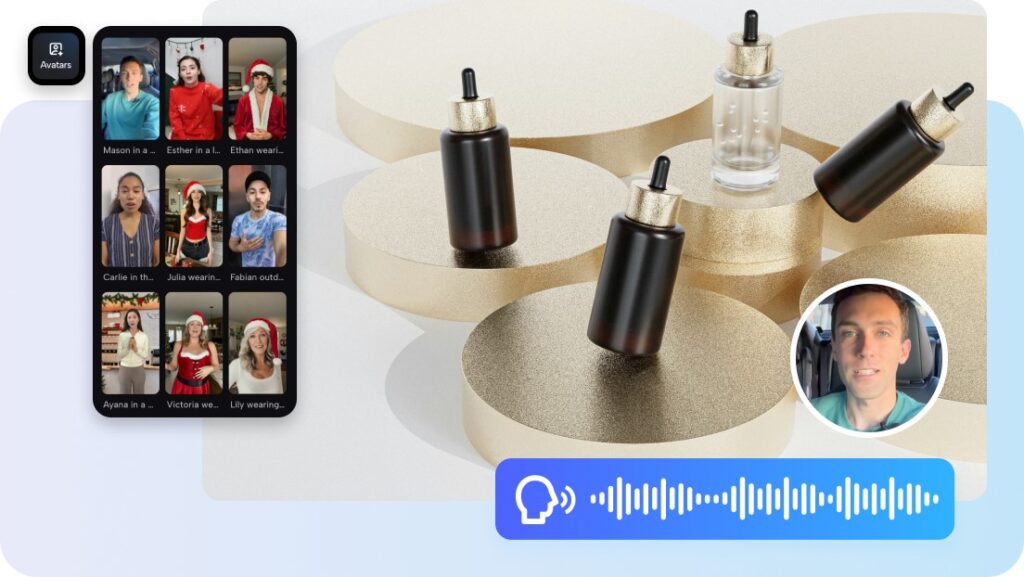
For creating recap videos while event buzz is still alive
Timing is everything in event marketing. If recap videos are too long in coming, the event conversation might already have fizzled out.
With AI video generation, event organizers can create highlight reels in no time after event sessions end. This means they can distribute recap videos on the same day or shortly after event conclusion.
This expediency enables event organizers to:
- Publish highlight videos on social media channels in real-time
- Produce daily recap videos for multi-day events
- Maintain audience engagement beyond the event venue
- Target people who couldn’t attend in person
This increases event visibility and outreach.
From event moments to finished highlight videos with Pippit
Step 1: Open the Video Generator
You will need to sign up on Pippit and be directed to the home page. Click on “Video” on the main dashboard or Access “Video generator” in the left menu. Then, enter the text and clearly explain the video’s style, tone, and angle.
Step 2: Generate the video
Click on “Add media and more” to add your URLs, images, videos, or documents. Select the model of your choice, such as Lite mode, Agent mode, Veo 3.1, or Sora 2, depending on your requirements. Using the agent mode, click on “Upload reference video” to add a simple video. Access “Customize video settings” to set the duration and spoken language. Click on “Generate” and let Pippit work its magic on the video.
Step 3: Edit & export
Select the video and click on the play button to view the video generated by Pippit. To edit the video, click on “Edit more” and use the editing tools to crop, stabilize, change the colors, or change the background.
To save the AI-generated video, click on “Download” to save the video on your device and then publish the video directly on your social media.
Video expectations at conferences and how Seedance 2.0 meets them
There are expectations for video content at conferences and trade shows. Video expectations for conferences include the need for recap videos to look professional, to evoke the feeling of the conference, and to be ready for sharing.
The following table indicates how AI video generation meets these video expectations.
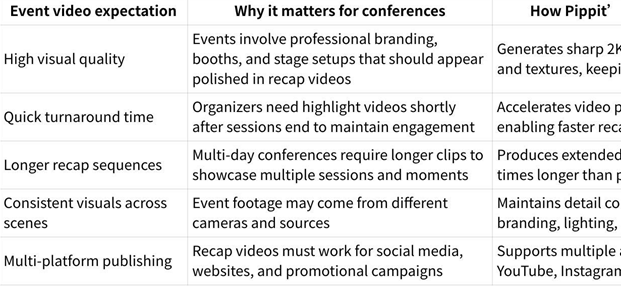
The above video expectations are met to help conference organizers create recap content from disorganized conference highlights.
Extending the life of conference content
Event recap videos are not only for looking back but can also be beneficial for future marketing.
There are instances where conference highlight videos are used to market the next edition of the conference. A great conference recap video can help attract attendees to the next edition of the conference.
The video can be shared across several platforms, including:
- Conference websites
- Social media marketing
- Sponsor websites
- Email marketing for future attendees
The fact that AI video generation can be edited makes it easier for conference organizers to edit the content for different audiences.
Making events more shareable and memorable
Sharing recap videos of an event online means that its impact is not limited to the confines of the event hall. Videos also play an important role in recreating the environment of an event so that others who were not there get to feel part of it.
Short highlight reels of an event on social media platforms are very effective because they combine energy, images, and storytelling in a format that is enjoyable to watch.
Creating engaging recap videos of an event is a great way of creating content from a few days of activity online.
Final thoughts: faster highlight storytelling for modern events
Conferences and trade shows produce amazing moments, from keynote speeches to product announcements and networking interactions. However, it is important to capture and share these moments to keep the momentum going after an event.
Pippit helps event organizers turn photos, images, and text into engaging recap videos without taking too long to edit. With AI-powered video creation, conferences and trade shows can produce engaging highlight reels while the conference is still fresh on everyone’s mind.
With Pippit, conferences and trade shows can more easily demonstrate their impact, reach more viewers, and build excitement for their next event with the power of simplified video creation and rapid storytelling.
READ ALSO: Business Process Reengineering Examples That Prove the Power of Modern Workflow Software